

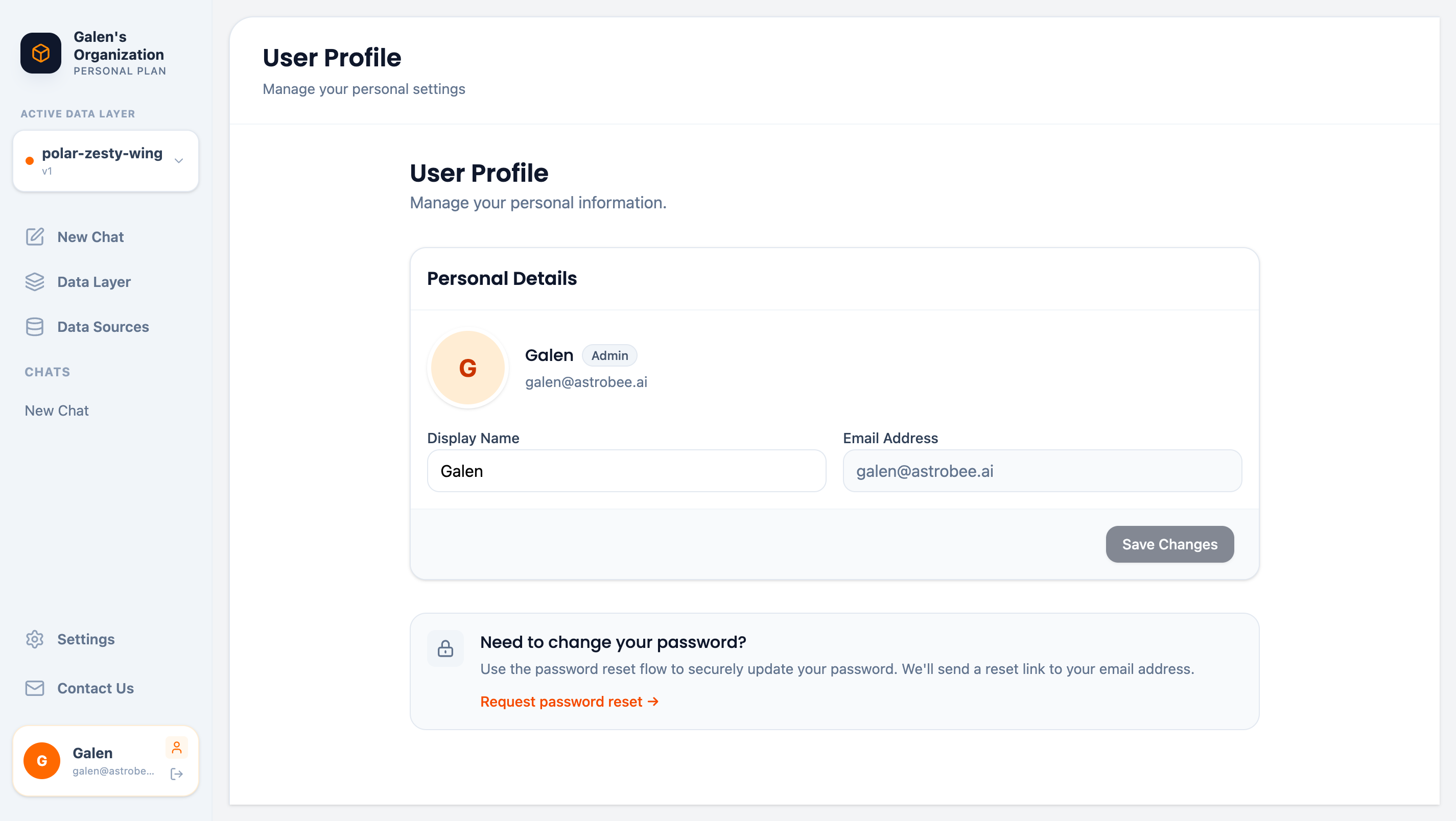
User profile page
Personal Details
View and update your profile information:Updating Your Name
- Edit the Display Name field
- Click Save Changes
Password Management
AstroBee uses secure passwordless authentication. To change your password:- Click Request password reset →
- Check your email for a reset link
- Follow the link to set a new password
Password reset links expire after 24 hours for security.
Signing Out
To sign out of AstroBee:- Click Logout in the sidebar (below your profile)
Account Security
Your account is protected by:- Secure authentication — Passwordless or OAuth sign-in
- Session management — Automatic timeout after inactivity
- Encrypted storage — All personal data encrypted at rest
Next Steps
Organization Settings
Manage team and workspace settings (Admin only)
Security Overview
Learn about AstroBee’s security practices