

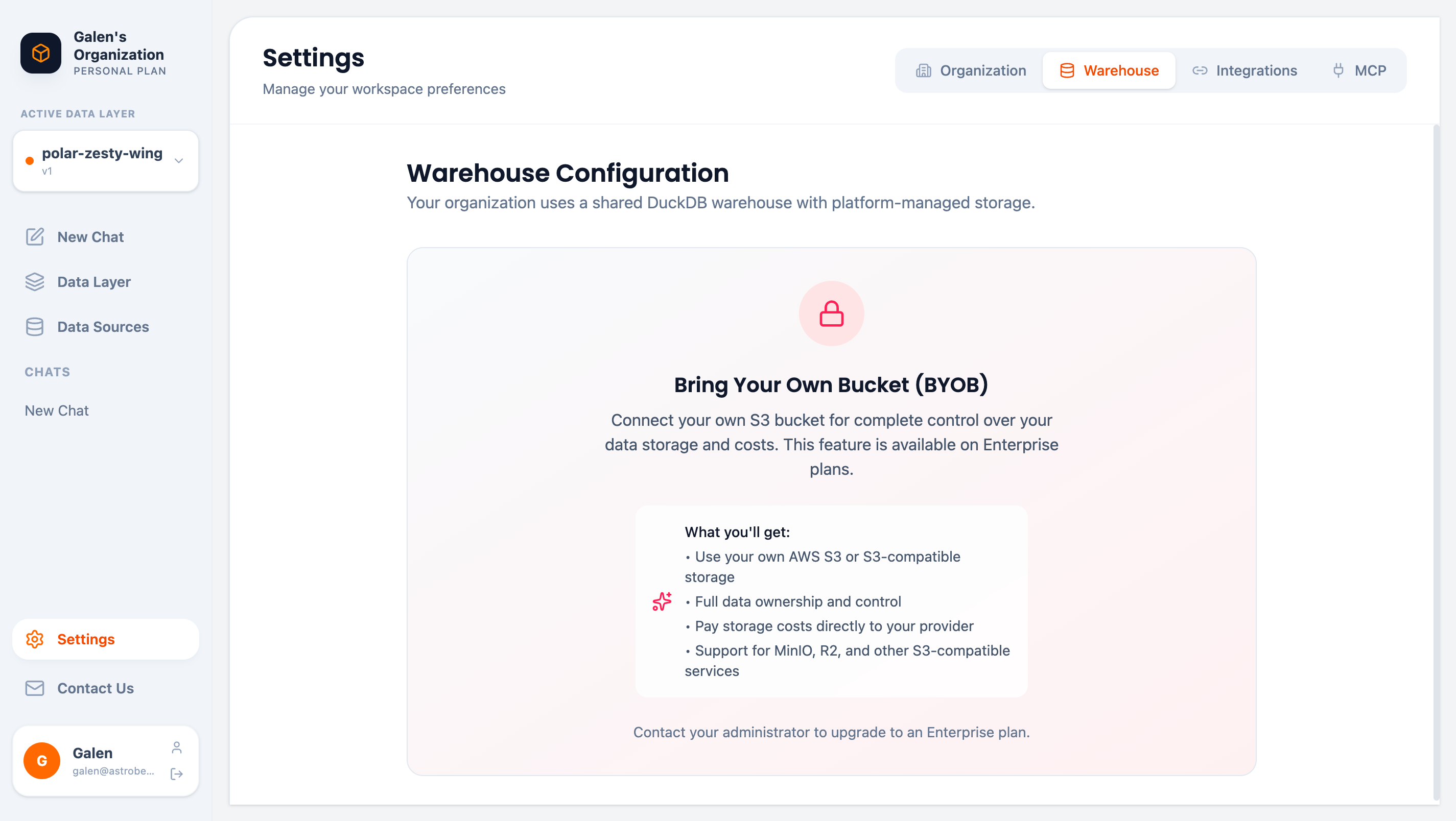
Warehouse configuration page
Default Configuration
By default, your organization uses a shared DuckDB warehouse with platform-managed storage. This provides:- Zero configuration required
- Fast query performance
- Automatic scaling
- No additional costs
Bring Your Own Bucket (BYOB)
BYOB is available on Enterprise plans only. Contact us to upgrade.
Benefits
- Data Ownership — Your data stays in your infrastructure
- Cost Control — Pay storage costs directly to your provider
- Compliance — Meet data residency requirements
- Flexibility — Use AWS S3, MinIO, Cloudflare R2, or other S3-compatible services
Supported Storage
Configuration
To enable BYOB:- Contact your administrator to upgrade to Enterprise
- Provide your S3 bucket credentials
- AstroBee configures the connection
- All new data syncs to your bucket
Data Processing
Regardless of warehouse configuration:- All queries run in secure, isolated environments
- Data is encrypted in transit (TLS 1.3) and at rest (AES-256)
- Query results are cached temporarily for performance
Next Steps
Integrations
Configure third-party API integrations
Security Overview
Learn about data security and compliance